Your whole wardrobe, from your camera roll.
Clozit finds the garments in photos you already have: mirror shots, nights out, holidays. It cuts each piece out, turns it into a clean product image, and adds it to your wardrobe. Then it styles outfits from what you actually own, like a personal stylist who knows your whole closet, and lets you try any of them on with one tap.
No photographing garments one at a time. JPEG, PNG and HEIC, straight from your phone.

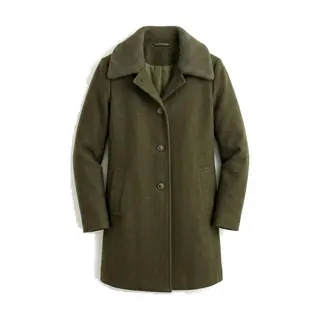
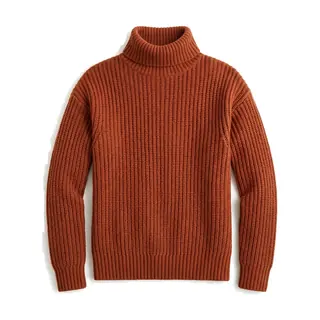
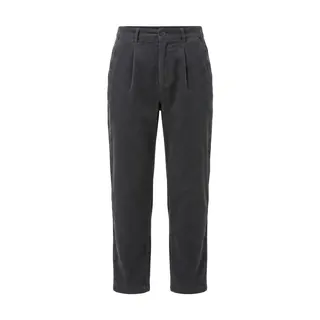
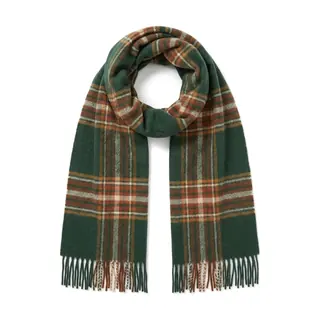
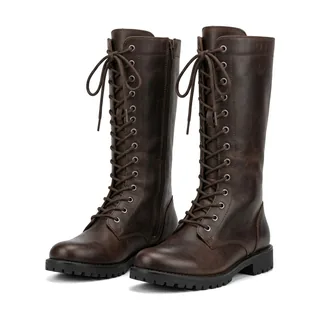
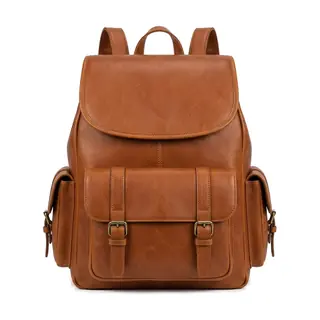
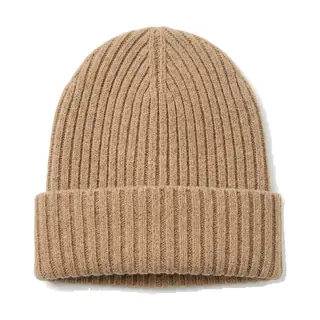
all labelled and tagged for you
Real output
7 garments out
The problem
Wardrobe apps die at the cataloguing step.
Every other digital wardrobe starts you at the same wall: photograph each garment against a blank background, cut it out, tag it, repeat. It's fine for the first ten pieces. Somewhere around fifteen it becomes a chore you quietly stop doing. A half-catalogued wardrobe can't style anything, so the app you downloaded for outfits never gets to the outfits.
Getting your clothes in is the whole problem. Clozit solves that one first, so you actually reach the part you came for: a stylist and a fitting room, built from your own closet.
The usual way
- 1Find a blank wall.
- 2Photograph one garment.
- 3Remove the background.
- 4Type in the category, the colour, the fabric.
- 5Repeat sixty times.
- 6Stop at fifteen.
With Clozit
- 1Select a few dozen photos you already took.
- 2Clozit finds every garment across all of them.
- 3Swipe through what it found.
- 4Done in one sitting.
Watch it work
One photo in. The whole outfit out.
Seven ordinary photos, from a beach to a snowfield to a mirror selfie, each run through Clozit exactly once. Pick one and see every garment it pulled out, each turned into a clean catalogue shot.
7 garments found
Olive green coat
coat
Rust turtleneck sweater
sweater
Charcoal trousers
trousers
Plaid scarf
scarf
Leather boots
boots
Brown leather backpack
bag
Knit beanie hat
hat
Straight from the app, unedited: exactly what would happen to your photos. The seven source photos are AI-generated, from photoai.com.
How it works
Upload, review, wear.
Three steps, and only one of them asks anything of you.
Hand it a pile of photos
Upload as many outfits as you like, up to 25 photos on the free tier. Full-length mirror shots are worth the most: one photo can hold a whole outfit. Old holiday and night-out pictures count just as much. JPEG, PNG and HEIC all work, photos are shrunk in your browser before they upload, and duplicates are dropped on arrival.
Swipe through what it found
Clozit finds each garment in each photo, crops it out and fills in its label, category, colours, pattern, material and formality. You get one card per find: right to keep, left to discard. Anything it got wrong you can fix on the spot, and if it's a piece you already have, you merge the two.
Wear what you own
Everything you keep gets a clean catalogue shot on white, framed the same way, and lands in a wardrobe you can filter. From there Clozit builds outfits: the ones it found in your photos, and new ones composed the way a stylist would from the same pieces. Add one photo of you and you can try any of them on.
The wardrobe
One clean image per garment.
Every piece gets the same treatment: a white background and the same framing, so the grid reads like a catalogue, not a scrapbook. Here is everything Clozit pulled from the photos above, side by side as two wardrobes.
13 garments from 4 photos
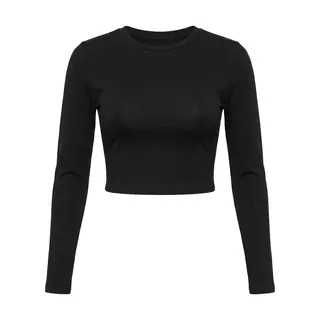
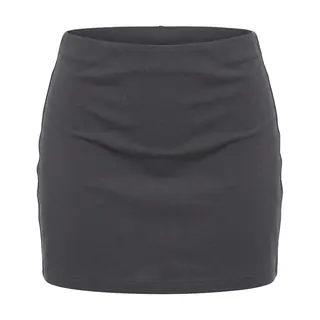
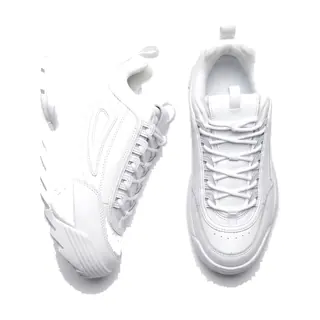
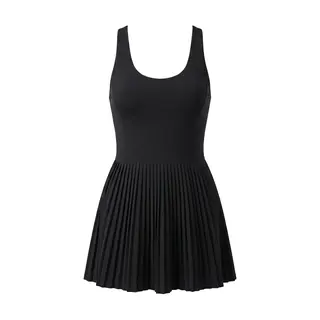
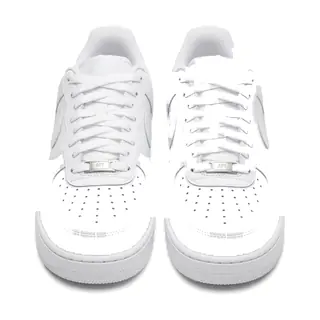
Every garment image on this page is unedited output from Clozit. Nothing here is stock photography or a mockup.
Outfits
Outfits you've worn. Outfits you haven't. Yet.
Pieces that turn up in the same photo were an outfit you actually wore, and Clozit remembers it. New looks are composed the way a personal stylist works, not a random shuffle, and the outfits you've already worn teach it your taste. Every suggestion also has to pass hard dress rules before you ever see it. And it doesn't just list the result. It shows you wearing it.
- Colour families, matched undertones
- Proportion, balanced by fit and length
- One statement piece per look
- Texture against texture
- Dressed for the season
- Your taste, learned from what you wore

“Street corner”
3 pieces kept
Charcoal mini skirt
from “Street corner”
Rust turtleneck sweater
from “Forest walk”
Olive green coat
from “Forest walk”
Leather boots
from “Forest walk”
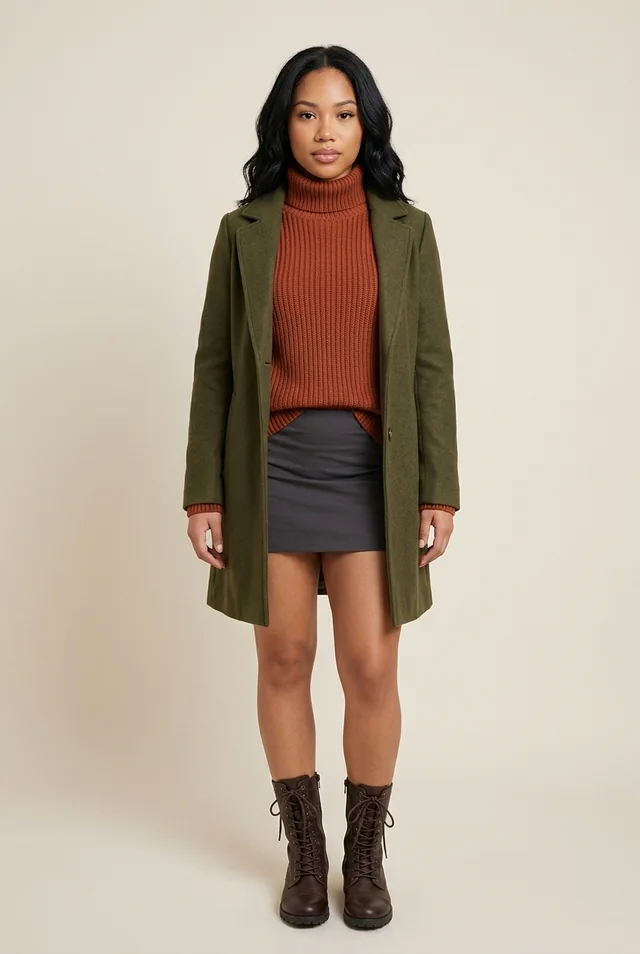
Same person, same wardrobe, stylist logic at work. Her skirt from “Street corner”, rebuilt for autumn around warm rust and olive from a different photo, one statement knit, leather against wool. Then shown on her with a real try-on. Every image is unedited Clozit output.
Virtual try-on
See it on you before you put it on.
Add one photo of yourself and every outfit in Clozit gets a try-on button. Same face, same build, your actual clothes, one tap. No more guessing whether the coat works over that tee.

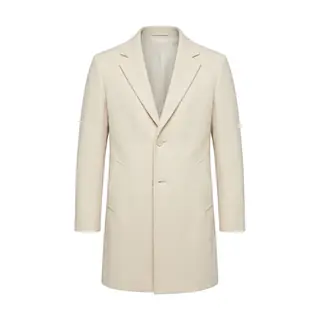
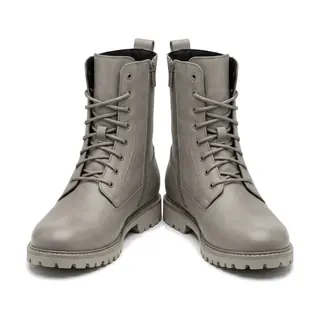
Any outfit in your wardrobe
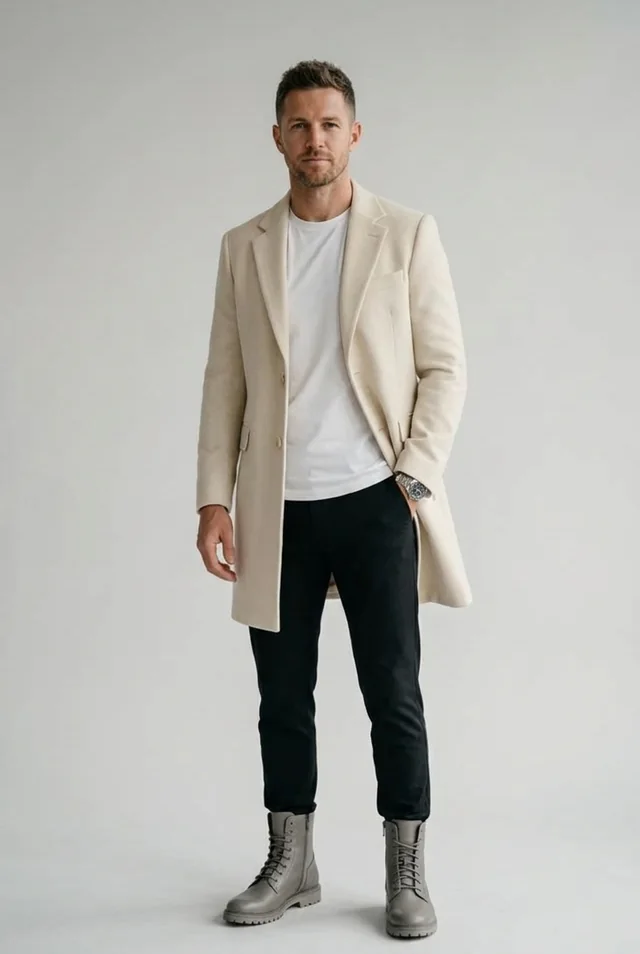
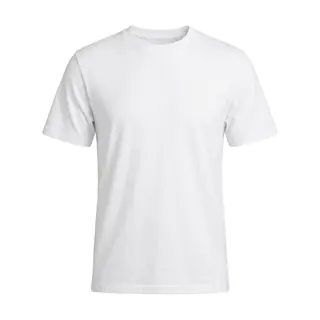
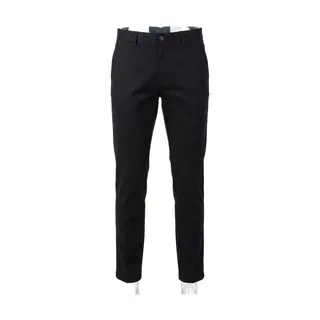
A real try-on from the men's wardrobe above: his own tee and trousers under the coat and boots from “Snow day”. Pieces from two different photos, on one person, before anything left the hanger.
Wishlist
Try it on before you buy it.
Eyeing something in a shop? Bring it into Clozit first and find out whether it earns a place in your wardrobe, before it costs you anything.
Paste a link or drop a screenshot
Clozit fetches the product photo straight from the shop page. Blocked shop? A screenshot works every time.
It joins the catalogue
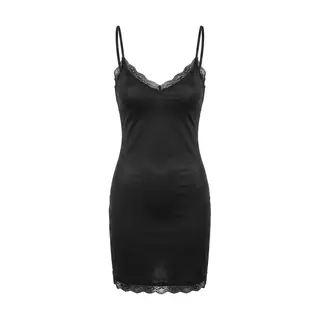
The piece gets the same clean product shot as everything you own, tagged as wishlist so it never lies about being yours.
Styled and tried on, before you pay
Clozit builds outfits around it from your real wardrobe, and you can see it on you. Buy it, tap once, and it becomes a normal piece.
yourshop.com/products/slip-dress
Fetch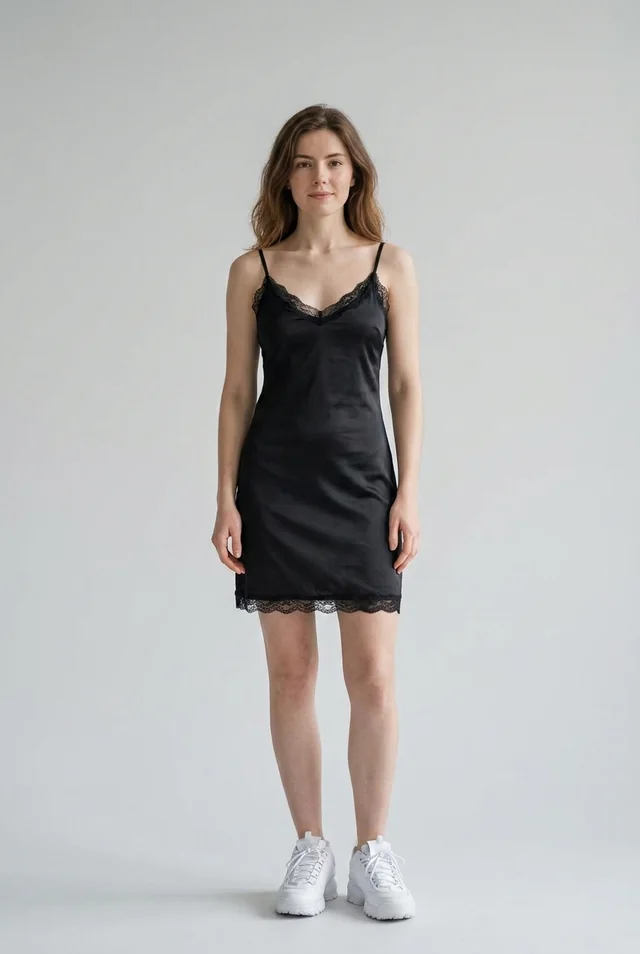
Control
Assisted cataloguing, not a black box.
Clozit does the tedious part. You keep the final say on every single garment that ends up in your wardrobe.
Keep or discard
Every detection is a card you decide on. Nothing joins your wardrobe without a swipe.
Fix the details
Label, category, colours, pattern, material, formality: all editable before you keep a piece, and after.
Merge duplicates
Same jumper in four photos? Clozit offers the items it might already be, and merges instead of duplicating.
Trace it back
Open any garment to see the crops it was built from and the original photos it turned up in.
Privacy
Your photos stay yours.
Clozit asks for pictures of you, so it owes you a straight answer about what happens to them.
- One purpose
- Your uploads exist to build your wardrobe. They are not sold, shared, or shown to anyone else.
- No tracking
- No analytics, no ad pixels, no third-party trackers. Your wardrobe lives on one server in Germany and stays there.
- How the analysis happens
- Photos and garment crops are sent to Google's Gemini API, which reads them and creates the product shots. Nothing you upload is used to train Clozit.
- Yours to remove
- Delete a garment and it's gone from your wardrobe. Nothing is kept around that you didn't keep.
Early access
Clozit is early. That's the honest pitch.
It's a new project, still finding its edges. Everything on this page is real output from the app as it works today: no mockups, no roadmap items dressed up as features, and no numbers it hasn't earned. There's no waitlist and nothing to sign up for.
Open it, point it at your camera roll, and see what it finds.